Chakra Console — Overview
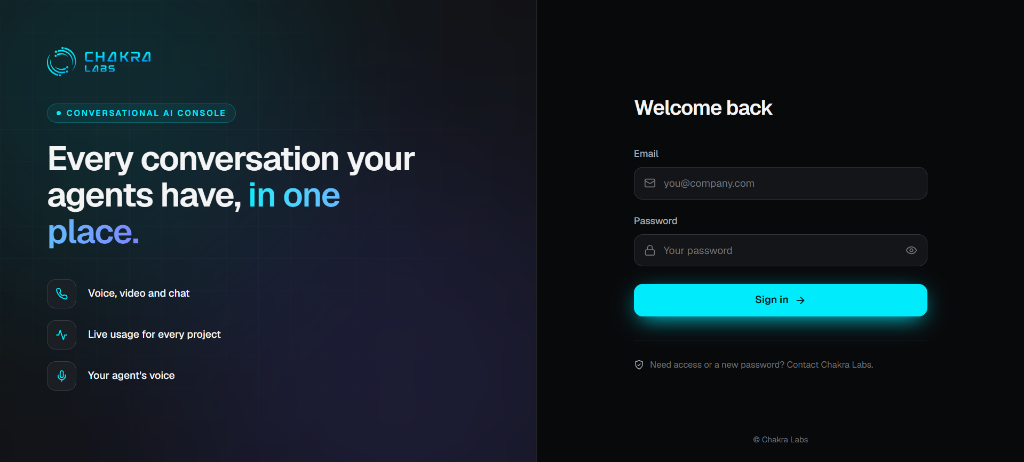
Chakra Console is the web management interface for your organisation's conversational AI deployments running on Chakra ConvAI. Sign in with the credentials provided by Chakra Labs to manage voice configuration, caller daily talk times, greetings, and live analytics.
Console Workspace
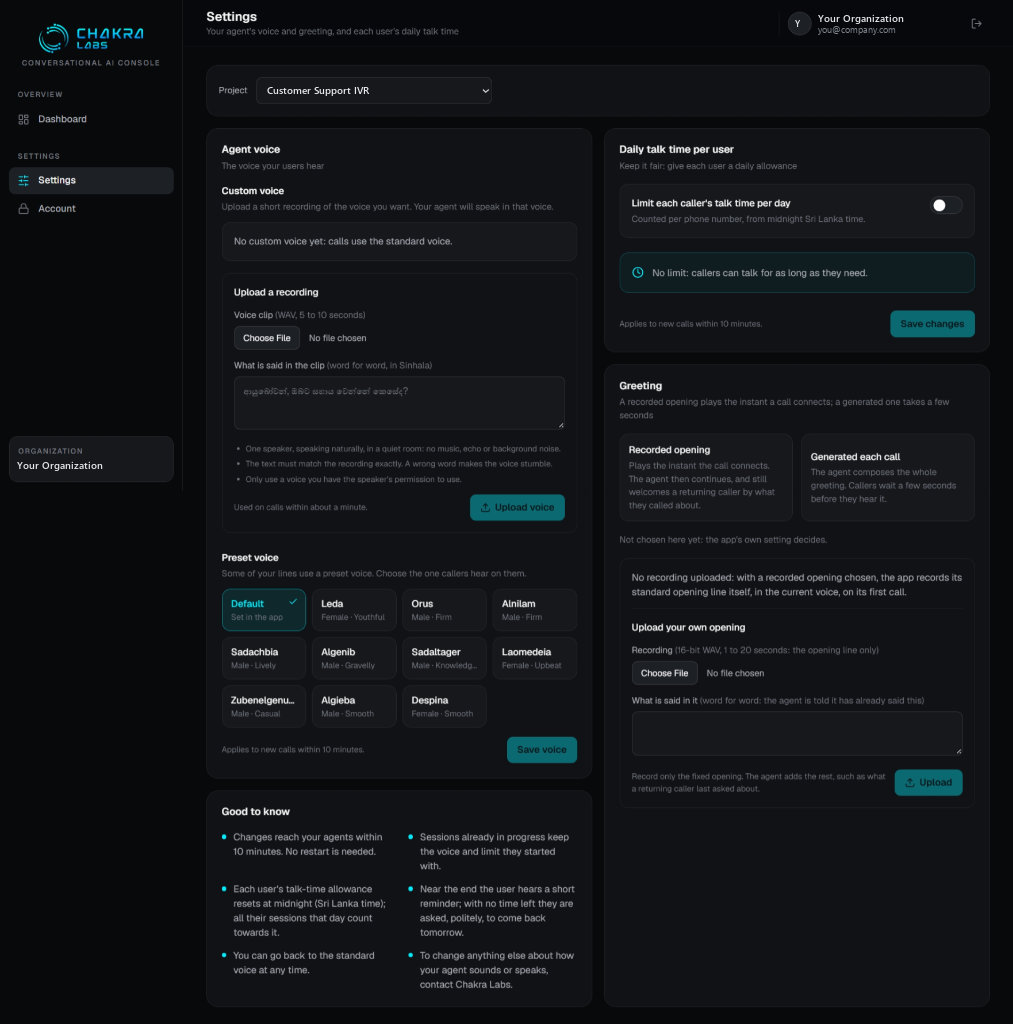
The console provides a unified interface organized into three primary areas:
- Overview / Dashboard: Monitor live and historical call volume, minute consumption, peak hours, and concurrency.
- Settings: Select any project to manage:
- Agent voice: Upload a 5–10s reference clip for instant custom voice cloning or pick from 11 curated preset voices.
- Daily talk time per user: Configure caller talk-time caps with automated Sri Lanka midnight resets and reminder prompts.
- Call greeting: Choose between instant pre-recorded welcome audio or dynamic LLM-generated greetings.
- Good to know: Operational rules detailing 10-minute propagation and active session protection.
- Account: Securely update your organization password and view account details.
What You Can Do
| Feature | Section | Description |
|---|---|---|
| Dashboard | Dashboard & Analytics | Real-time and historical call metrics and minute analytics |
| Projects | Projects | Select and configure project deployments |
| Voice & Greeting | Voice & Greeting | Custom voice cloning, preset voices, and opening greeting setup |
| Daily Talk Time | Daily Talk Time | Per-caller daily limits, phone tracking, and midnight resets |
| Account | Account Settings | Password changes and organization access |
What Chakra Labs Manages For You
The following core parameters are managed by the Chakra Labs infrastructure team:
- Licence keys and telephony SIP trunk channel assignments
- Subscription package tier and concurrent worker limits
- Speech-to-text, LLM, and TTS pipelines (e.g. Gemini Live, Chakra Voice)
Contact Chakra Labs support if your pipeline or capacity needs change.